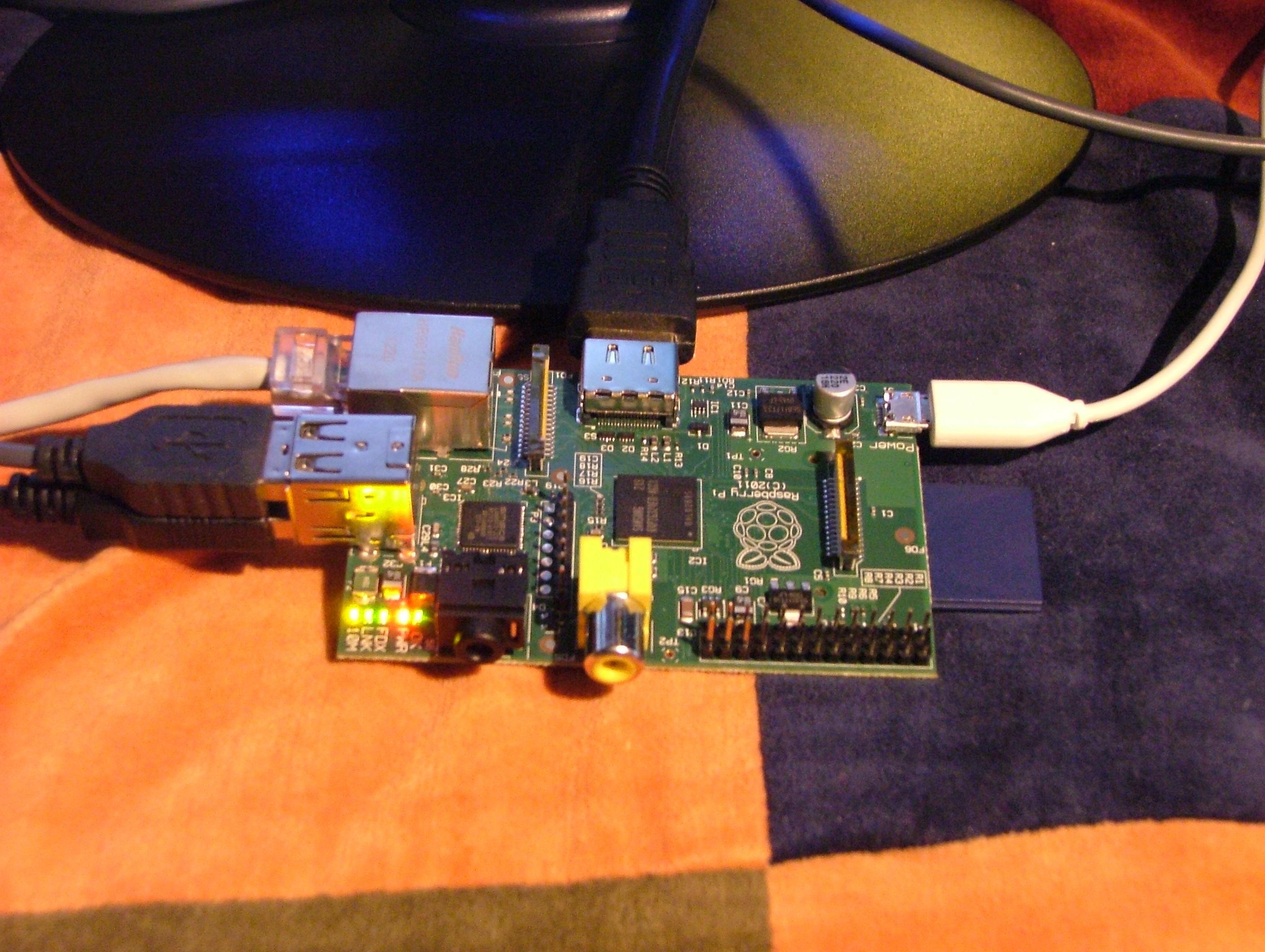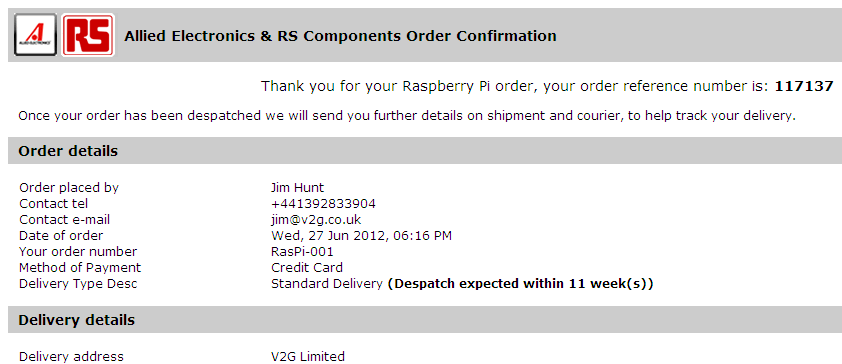
A few days ago I was complaining (albeit only slightly!) about sluggishness whilst scrolling through the V2G blog on my shiny new Raspberry Pi. Now however help is at hand, in the form of the official release of the “Raspbian” flavour of Debian “Wheezy” Linux. According to Eben Upton on the Raspberry Pi blog this morning:
We are pleased to announce the release of our first SD card image based on the Raspbian distribution. This is the result of an enormous amount of hard work by Alex and Dom over the past couple of months, and replaces the existing Debian squeeze image as our recommended install. Notably, it is the first official image to take full advantage of the Raspberry Pi’s floating point hardware for, amongst other things, much faster web browsing.
Users who are still using Debian squeeze will definitely want to switch to this, as it contains numerous tweaks and performance improvements to the firmware, kernel and applications.
Needless to say the first thing I did when I heard the news was to download the new image (2012-07-15-wheezy-raspbian.zip) from one of the many “alternative” Raspberry Pi mirror sites. The first thing I noticed was that on the inital boot I was presented with the shiny new (to me at least) raspi-config utility:
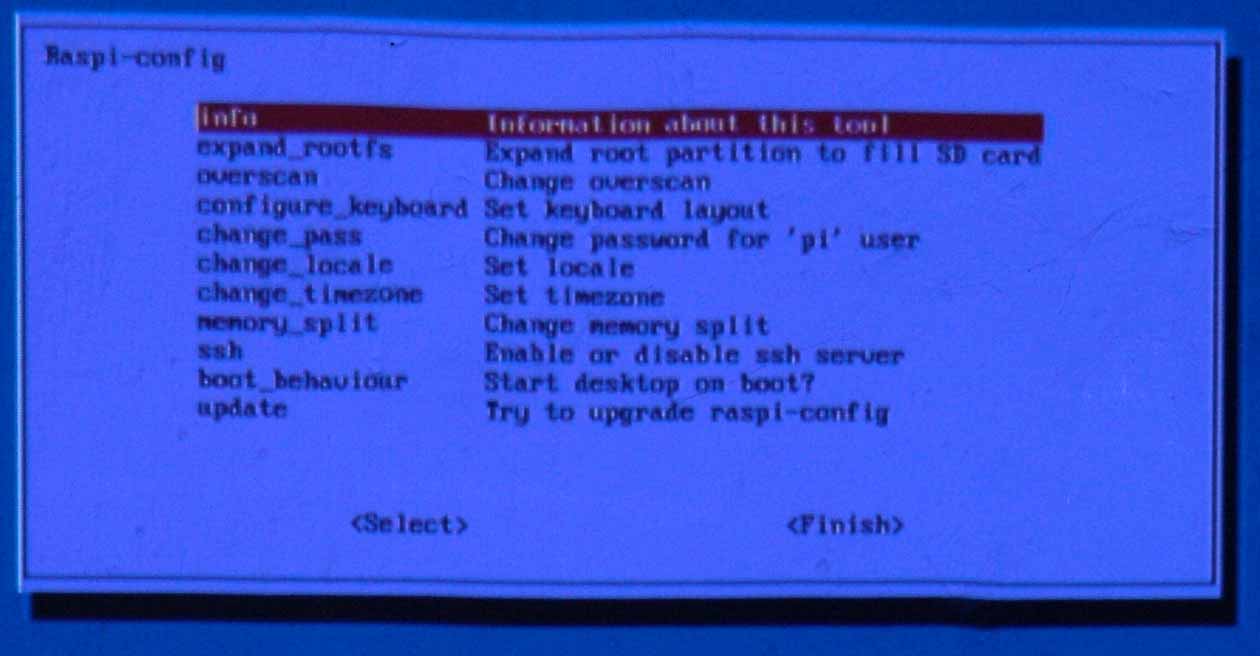
The RasPiConfig utility on the V2G office wall
I duly used it to expand the root partition to use the whole of my 8Gb SD card, and also to configure my Pi to boot into a graphical desktop automatically. In case you’re wondering why that picture is a bit fuzzy and a slightly strange colour, here’s one reason.
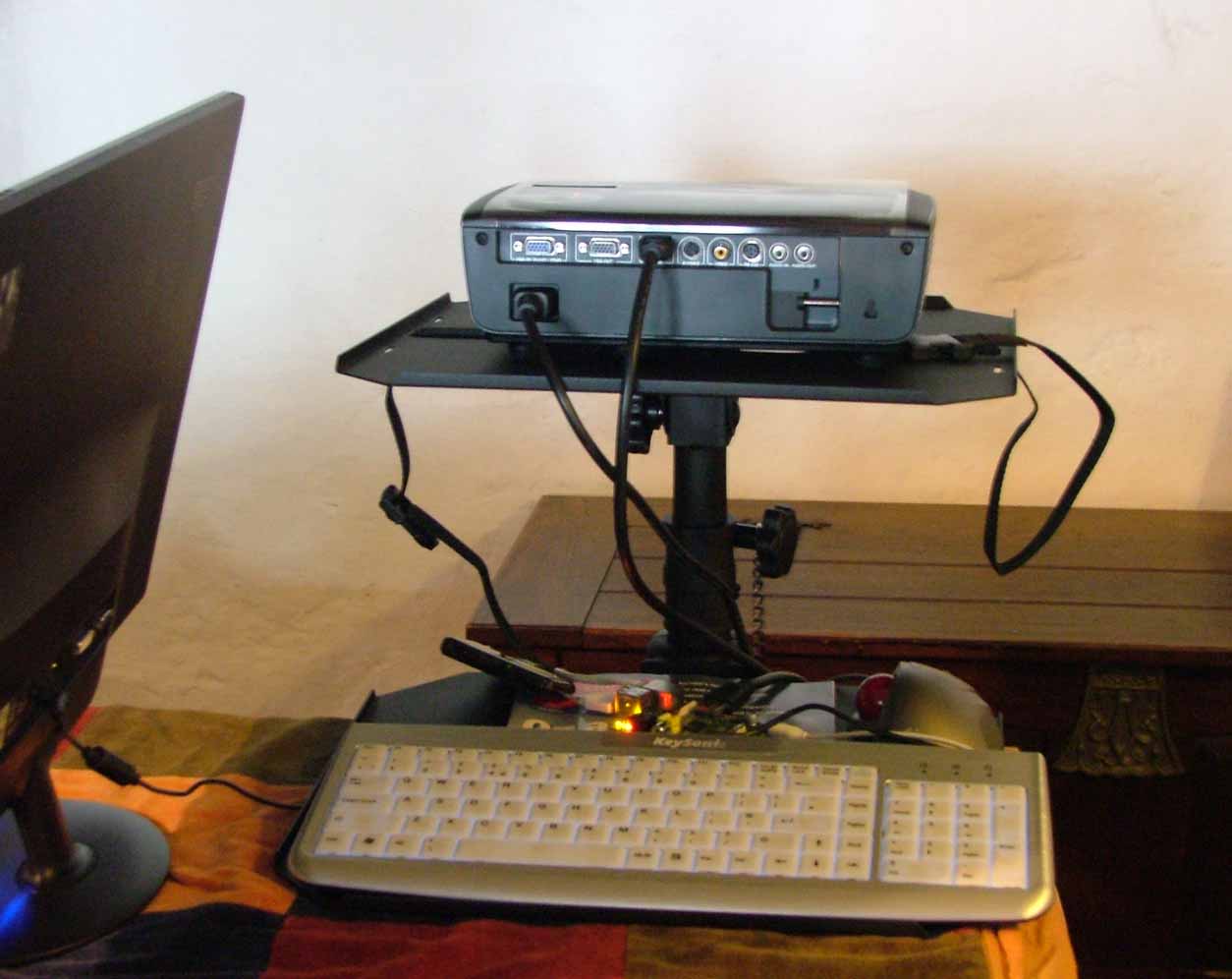
The V2G Pi Projector System
You’ll note that we have a shiny new display device to go with our shiny new operating system. The first picture is of the V2G office wall, now powered by a shiny new Optoma HD600-X LV projection display driven by a Raspbian equipped Raspberry Pi model B.
After a reboot I then tried out the Midori web browser in anger once more, I’m happy to confirm that reading the V2G blog on a RasPi no longer feels “remarkably similar to wading through treacle”:.
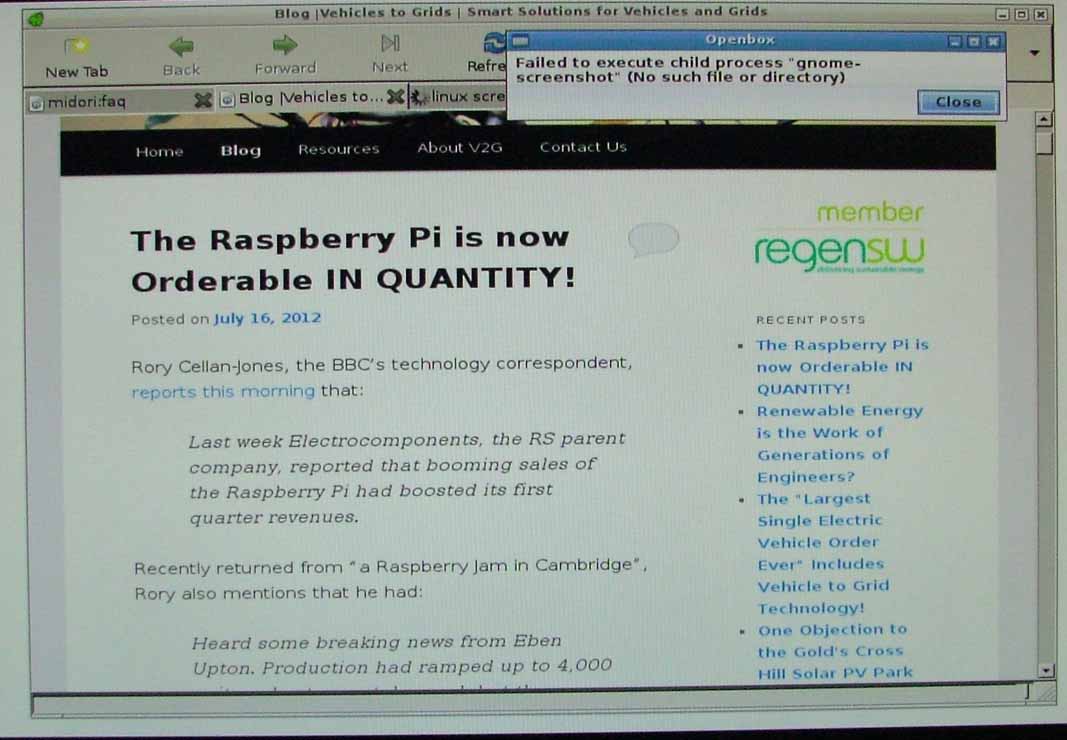
No Gnome means no screenshots
The raw Raspbian distribution seems to be cut right down to the bare essentials, and after a brief hunt I couldn’t find my familiar Gnome desktop, or even some sort of “Paint” utility. Hence I’ve resorted to taking pictures of screens, not to mention walls! Finally, for today at least, swiftly scrolling through the V2G blog did reveal one remaining “feature” to me:
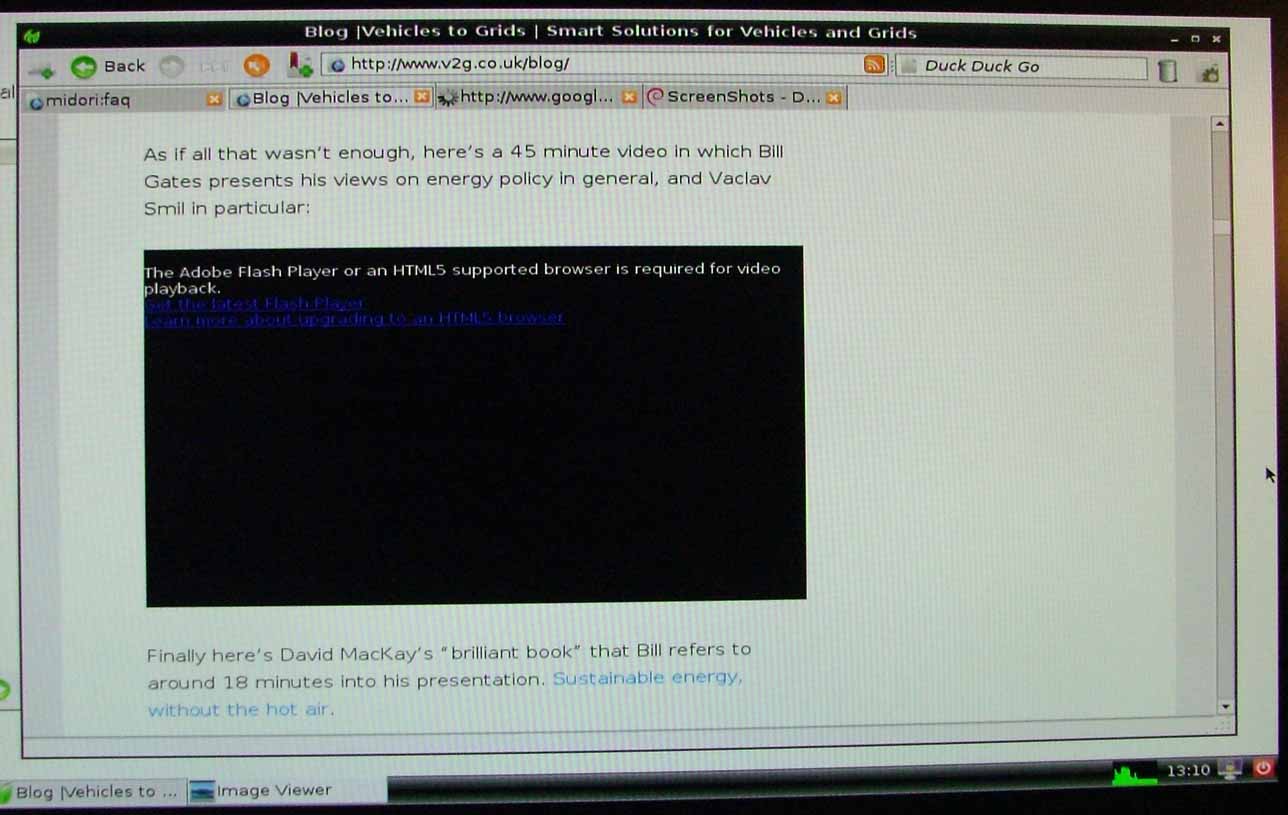
"An HTML5 supported browser is required for video playback"
It seems to be a trifle tricky to watch web videos with Raspbian Midori at the moment!